The short answer: Keep iDRAC and iLO on a separate management network that's never reachable from the internet, replace the default passwords with named accounts, keep the firmware up to date, and turn off the services you don't use. These controllers can power a server off or reinstall it, so protect them as carefully as an administrator account.
Why it matters
Dell iDRAC and HPE iLO are management controllers: small computers inside the server with their own network port. They let you power the server on and off, see its console, mount installation media and update firmware, even when the operating system isn't running. Anyone who takes control of one has hands-on control of the server.
1. Put them on a separate management network
- Connect the dedicated management port to its own VLAN or physical network, separate from user traffic.
- Allow access only from specific admin machines or over a VPN.
- Never expose iDRAC or iLO directly to the internet.
2. Replace the default credentials
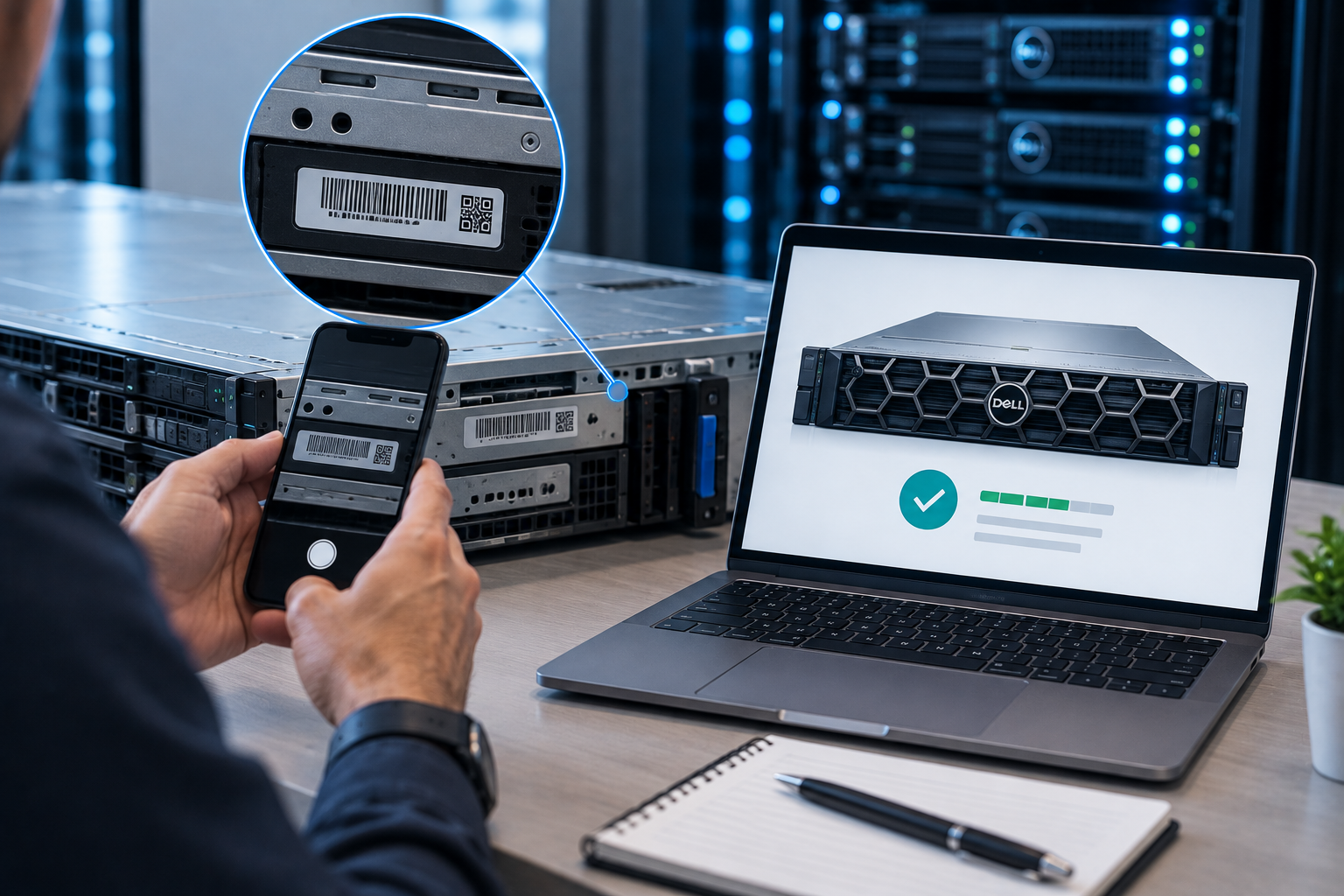
Recent Dell and HPE servers ship with a unique default password for the management controller, printed on the server's information tag. Change it during setup, and don't leave it as the account everyone shares. Older Dell servers used a well-known default username and password, so check older systems especially carefully.
- Create a named account for each administrator.
- Give each account only the privileges it needs.
- Disable or remove accounts when people leave.
3. Use directory sign-in where you can
Both platforms can authenticate against Active Directory or LDAP, so accounts follow your normal joiner and leaver process. On both, this depends on the licence tier: iDRAC Enterprise or Datacenter for Dell, and iLO Advanced for HPE. Our comparison of iLO Standard and iLO Advanced covers what the HPE licence adds.
4. Keep the firmware up to date
Security fixes for management controllers arrive as firmware updates. Include iDRAC and iLO in your regular patch cycle, alongside BIOS and storage controller firmware. Dell's Lifecycle Controller and Repository Manager, and HPE's Service Pack for ProLiant, help you apply them consistently.
5. Turn off what you don't use
- Disable IPMI over LAN unless a tool depends on it.
- Use SNMPv3 rather than SNMP v1 or v2c.
- Disable SSH, serial-over-LAN and virtual media when you don't need them.
- Set an idle session timeout and an account lockout after repeated failed sign-ins.
6. Replace the self-signed certificate
Both controllers ship with a self-signed TLS certificate, which trains people to click through browser warnings. Install a certificate from your internal certificate authority, so a genuine warning stands out.
7. Send the logs somewhere you'll see them
Forward controller logs and alerts to your syslog server or monitoring system, so failed sign-ins and configuration changes get noticed.
Quick checklist
- Management ports on a separate, restricted network
- Default passwords changed, with named, least-privilege accounts
- Directory authentication where licensed
- Controller firmware in the patch cycle
- Unused services disabled, and SNMPv3 only
- A trusted TLS certificate installed
- Logs forwarded to monitoring
Need help?
If you'd like your servers' management controllers reviewed or hardened, contact our team.
Get the latest IT insights
Expert tips, infrastructure news, and product updates — delivered weekly.