The short answer: a Teams meeting room needs a certified device, a display, a wired network connection and a Teams Rooms licence. Teams Rooms Basic is free with a certified system, but it's limited to 25 rooms, one system per room, and it has no dual-screen support. Teams Rooms Pro costs around £30.80 per room per month and adds dual screens, Front Row, the large gallery and proper management.
Three ways to do a meeting room
| Approach | How it works | Trade-off |
|---|---|---|
| USB, bring your own device | A camera and speakerphone plug into whoever's laptop is running the meeting | Cheapest. No room calendar, no one-touch join, no central management, and every meeting starts with someone hunting for the cable |
| Appliance | A video bar runs Teams Rooms on its own, with a touch console on the table | The usual answer for small and medium rooms. Simple to deploy and manage |
| Teams Rooms on Windows | A small PC runs the room, with the camera, audio and console attached | Most features and most flexibility, including features Android appliances don't get, but more to install and maintain |
A shared meeting device needs a Teams Rooms licence. Microsoft is explicit that an ordinary per-user Microsoft 365 licence isn't permitted on a shared room device.
Teams Rooms Basic or Pro?
| Basic | Pro | |
|---|---|---|
| Cost | No extra cost with a certified system | About £30.80 per room per month (check the current price) |
| Rooms allowed | Up to 25, one system per room | Unlimited, and it licenses Teams panels too |
| Joining meetings | One-touch join, proximity join, guest join to Zoom and Webex | Same |
| Dual displays | No | Yes |
| Front row and large gallery | No | Yes |
| Intelligent audio and video | No | Speaker recognition, multi-camera, noise suppression, people counting |
| Management and security | Basic inventory | Remote configuration, health monitoring, analytics, Intune and Conditional Access |
Basic is a genuine option for one or two small rooms. If you want two screens, or you want to manage rooms properly, you need Pro. Note Basic can only be bought directly in the Microsoft 365 admin centre, not through a reseller.
Why certified devices matter
Microsoft certifies devices for Teams Rooms on Windows, for Teams Rooms on Android, and separately as peripherals used with a Windows room system. Certification tests audio and video quality, the interface, management and security. It doesn't guarantee every feature works, but uncertified kit misses out on management, firmware updates and support.
Certifications also expire, and some devices are listed with re-certification pending. It's worth checking a model's current status before buying several.
Matching kit to room size
Microsoft publishes maximum microphone-to-speaker distances, which is the most useful planning figure there is:
| Room | People | Furthest person from the microphone |
|---|---|---|
| Focus, about 3 × 2.7m | 2–4 | 1.5m |
| Small, about 4.9 × 4.9m | 4–6 | 2m |
| Medium, about 5.5 × 6m | 6–12 | 2.4m |
| Large, about 4.5 × 9.75m | 12–16 | 3m, and the same for each extra microphone's coverage |
Typical devices by room size:
- Huddle rooms (up to about 6): Logitech Rally Bar Huddle, Cisco Room Bar or Poly Studio X30.
- Small to medium (up to about 12): Logitech Rally Bar Mini, Cisco Room Bar Pro or Poly Studio X52.
- Medium to large (up to about 20): Logitech Rally Bar, Cisco Room Kit EQ or Poly Studio X70, with extra microphones as the room gets longer.
Cisco's room devices can run Microsoft Teams Rooms, with the licence on the Microsoft side; a Cisco subscription is optional.
Sizing the display
Microsoft's rule of thumb is one inch of content height for every 1.5 inches of viewing distance:
| Furthest seat | Display |
|---|---|
| 3.6m (12ft) | 65in |
| 4.5m (15ft) | 65in |
| 5.5m (18ft) | 75in |
| 6m (20ft) | 85in |
Other display rules worth knowing: a maximum of two front-of-room screens; dual screens need a touch console and a Pro licence; only one of the two can be touch-enabled; and commercial displays are a safer choice than consumer TVs, which rely on HDMI-CEC to wake up and don't all support it.
The boring parts that decide whether it works
- Wired network. Microsoft strongly recommends a wired connection, and suggests allowing 10 Mbps up and down per room. Put a network point at the display wall.
- Power. Video bars are mains powered, so plan a socket at the display. Touch consoles are often powered over Ethernet, and Cisco bars can power their own console.
- Cable runs. USB consoles have distance limits, and USB extenders drop USB 3.0 devices to slower speeds. A network-connected console avoids the problem.
- Proxy servers. Teams Rooms doesn't support proxy authentication, so the room devices need exempting before go-live.
One more change worth knowing
Logitech stopped selling its packaged Teams-on-Windows room bundles at the end of March 2026. Appliance bundles continue, and for a Windows room you now buy the Logitech kit and the compute separately. If you've been quoted an old bundle part number, check it's still available.
Meeting room kit from Apaxon
Apaxon supplies room devices, speakerphones, cameras, mounts and displays through the Apaxon store, and can quote a complete room including the licence, display and installation. We also look after the Microsoft 365 side, including room resource accounts, as part of managed IT services and managed cloud services. request a quote or get in touch with your room dimensions and we'll suggest a specification.
Sources
- Microsoft: Teams Rooms licensing
- Microsoft: compare Teams Rooms plans
- Microsoft: certified Teams Rooms hardware and peripherals
- Microsoft: Teams Rooms room planning guidance
- Microsoft: prepare your network for Teams
- Microsoft: bring your own device rooms
- Cisco: Microsoft Teams Rooms on Cisco devices
- Logitech: end of sale for Room Solutions with Microsoft Teams on Windows
4 products covered in this post
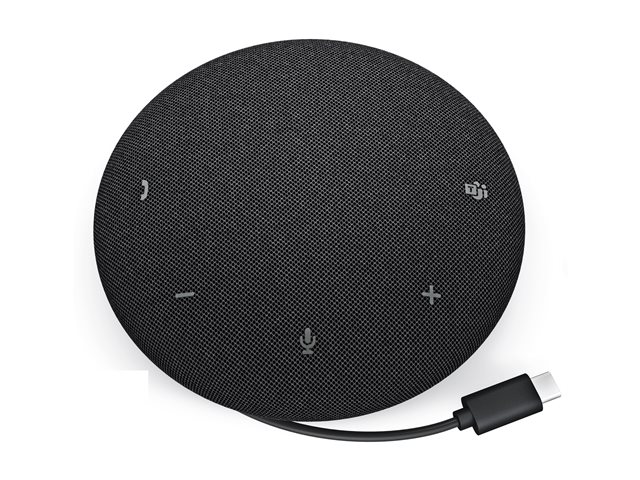 DellDell Pro SP325 - speakerphone - USB-C - Microsoft Teams Certified - Zoom CertifiedSP325-EMEAThe Dell Pro SP325 is engineered for seamless communication, merging audio features with user-friendly controls. Designed with an omnidirectional micr…In stockView product →
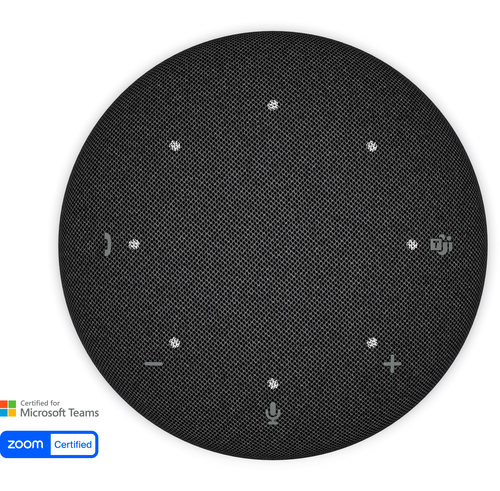 DellDell Pro Plus SL525 - speakerphone - USB-C - Microsoft Teams Certified - Zoom CertifiedSL525-EMEAThe Dell Pro Plus SL525 is a versatile speakerphone designed for optimal communication in various settings. With extensive audio capabilities, its omn…In stockView product →
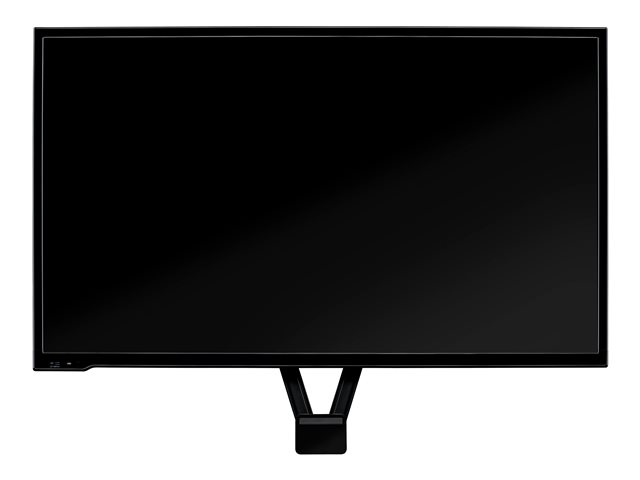 LogitechLFD mount for Logitech MeetUp939-001498The Logitech TV MOUNT redefines the way cameras are mounted, offering flexibility and ease of use. Designed to cater to both professional and personal…In stockView product →
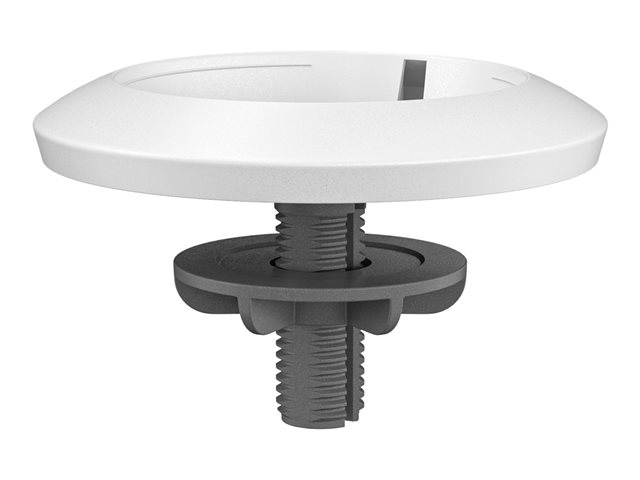 LogitechLogitech Rally Table and Ceiling Mount for Rally Mic Pod bracket - for microphone - white952-000020Elevate the appearance of meeting rooms equipped with Rally Mic Pods. With a compact footprint and clever cable management, Mic Pod Mount anchors mics…In stockView product →
Get the latest IT insights
Expert tips, infrastructure news, and product updates — delivered weekly.