





Next Working Day
On qualifying orders
UK Dispatched
Fast & reliable nationwide
Expert Support
Mon–Fri, 8 am – 6 pm
Genuine Brands
Authorised reseller
Next-working-day delivery. Order before 17:30 (England & Wales) or 16:00 (Northern Ireland, Republic of Ireland, Scotland) to receive next-working-day delivery. Orders placed before 17:30 Friday are delivered Monday; after 17:30 Friday arrive Tuesday. Upgrades — pre-9, pre-10:30, pre-noon, special and secure bulk — available at extra cost.
Orders over £100 (ex VAT) receive FREE next-working-day delivery across the UK.
Instant digital delivery. Software licences, subscriptions, warranties & insurance, and electronic copies are delivered the same day via email — provided a valid email address is entered at checkout.
This product is out of stock
We can email you when it's back in stock, confirm expected lead times, or recommend in-stock alternatives that meet the same requirements.
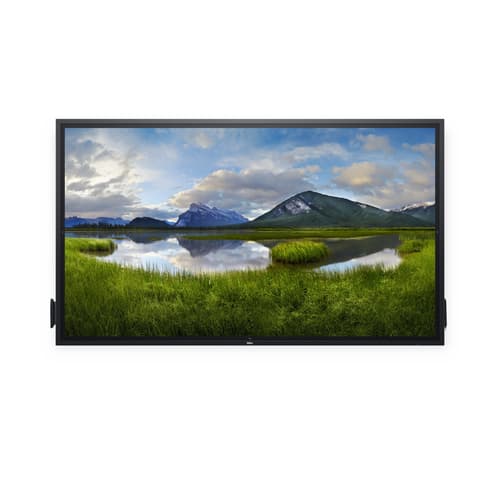
^DELL 86 4K INTERTOUCH MON P8624QT
- 8ms, 16:9, 350cd/m², 1200:1
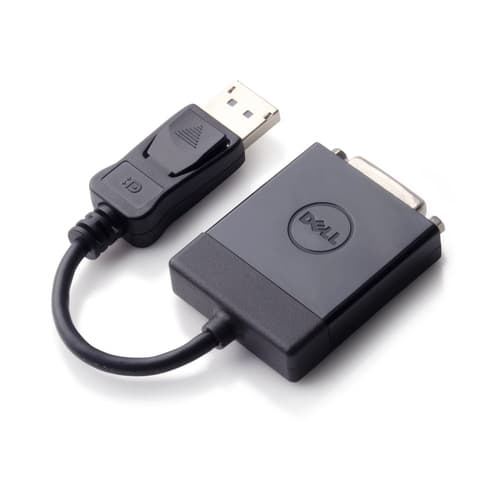
- USB, HDMI, VGA , DisplayPort"
- 85.6" 4K UHD 3840 x 2160, IPS
Similar Products
Overview
DELL P8624QT, Interactive flat panel, 2.17 m (85.6"), LCD, 3840 x 2160 pixels
Specifications
Display
- Display diagonal
- 2.17 m (85.6") m
- Display technology
- LCD
- Display resolution
- 3840 x 2160 pixels pixels
- Touchscreen
- Yes
- Response time
- 8 ms ms
- Contrast ratio (typical)
- 1200:1
- Viewing angle, vertical
- 178° °
- Pixel pitch
- 0.4935 x 0.4935 mm mm
- Panel type
- IPS
- Display brightness
- 350 cd/m² cd/m²
- HD type
- 4K Ultra HD
- Viewing angle, horizontal
- 178° °
- Display number of colours
- 1.07 billion colours
- Vertical scan range
- 24 - 75 Hz Hz
- Supported video modes
- 480p, 576p, 720p, 1080i, 1080p, 2160p
- Native refresh rate
- 60 Hz Hz
- RGB colour space
- NTSC
- Colour gamut
- 72% %
- LED backlight
- Yes
- Number of simultaneous touchpoints
- 20
- Native aspect ratio
- 16:9
- Hardness
- 9H
- Horizontal scan range
- 30 - 140 kHz kHz
- Supported graphics resolutions
- 640 x 480 (VGA), 720 x 400, 800 x 600 (SVGA), 1024 x 768 (XGA), 1152 x 864 (XGA+), 1280 x 1024 (SXGA), 1280 x 800, 1600 x 1200, 1920 x 1080 (HD 1080), 2048 x 1152, 2560 x 1440, 3840 x 2160
Ports & interfaces
- Ethernet LAN (RJ-45) ports
- 1
- DVI port
- No
- HDMI ports quantity
- 4
- DisplayPorts quantity
- 1
- USB 2.0 Type-B ports quantity
- 3
- USB 3.2 Gen 1 (3.1 Gen 1) Type-A ports quantity
- 4
- USB Power Delivery up to
- 90 W W
- USB version
- 2.0/3.2 Gen 1 (3.1 Gen 1)
- USB port
- Yes
- USB ports quantity
- 8
- Audio (L/R) out
- 1
- USB 3.2 Gen 1 (3.1 Gen 1) Type-C ports quantity
- 1
- USB Power Delivery (USB PD)
- Yes
- USB Type-C DisplayPort Alternate Mode
- Yes
- RS-232 interface
- Yes
Audio
- Speaker frequency range
- 120 - 20000 Hz Hz
- Built-in speaker(s)
- Yes
- Number of built-in speakers
- 2
- Speaker impedance
- 8 Ω Ω
- RMS rated power
- 40 W W
Design
- Placement supported
- Indoor
- Product design
- Interactive flat panel
- Panel mounting interface
- 600 x 400 mm mm
- Screen shape
- Flat
- Bezel width (bottom)
- 4.7 cm cm
- Product colour
- Black
- VESA mounting
- Yes
- Bezel width (side)
- 4.38 cm cm
- Anti-glare screen
- Yes
- Bezel width (top)
- 4.37 cm cm
Performance
- On Screen Display (OSD)
- Yes
- HID support
- Yes
Power
- Power consumption (typical)
- 170 W W
- Energy efficiency class (HDR)
- Not available
- Power consumption (standby)
- 0.5 W W
- Power consumption (max)
- 430 W W
- Energy efficiency class (SDR)
- G
- Power consumption (off)
- 0.3 W W
- AC input voltage
- 100 - 240 V V
- AC input frequency
- 50/60 Hz Hz
- Heat dissipation
- 580.06 BTU/h BTU/h
- Energy consumption (SDR) per 1000 hours
- 170 kWh kWh
- Energy efficiency scale
- A to G
Weight & dimensions
- Display weight
- 87 kg kg
- Display depth
- 82.8 mm mm
- Display height
- 1156.6 mm mm
- Display width
- 1982.6 mm mm
Operational conditions
- Storage temperature (T-T)
- -20 - 60 °C °C
- Operating relative humidity (H-H)
- 10 - 80% %
- Non-operating altitude
- 0 - 12192 m m
- Operating temperature (T-T)
- 0 - 40 °C °C
- Storage relative humidity (H-H)
- 5 - 90% %
- Operating altitude
- 0 - 5000 m m
Computer system
- Windows operating systems supported
- Windows 7 Professional, Windows 7 Ultimate, Windows 8, Windows 8.1
- Mac operating systems supported
- Mac OS X 10.10 Yosemite, Mac OS X 10.11 El Capitan
- Linux operating systems supported
- Yes
Packaging data
- Package weight
- 102 kg kg
Carbon footprint
- Total carbon footprint (kg of CO2e)
- 2815
- Total carbon emissions, standard deviation (kg of CO2e)
- 816
- Carbon emissions, energy usage (kg of CO2e)
- 1246.03
- Carbon emissions, manufacturing (kg of CO2e)
- 1020.6
- Carbon emissions, logistics (kg of CO2e)
- 489.75
- PAIA version
- 1.3.2, 2022
- Carbon emissions, end-of-life (kg of CO2e)
- 58.78
Packaging content
- Cables included
- AC, DisplayPort, HDMI, USB, USB Type-C
Technical details
- Sustainability certificates
- ENERGY STAR
- Doesn't contain
- Arsenic, Mercury, PVC/BFR
- Compliance certificates
- RoHS
Network
- Ethernet LAN
- Yes
- Wi-Fi
- No
Features
- Heat dissipation (max)
- 1467.22 BTU/h BTU/h
Other features
- Cable lock slot
- Yes
- LED indicators
- Yes
- On/off switch
- Yes
- Viewable size, horizontal
- 189.5 cm cm
- Viewable size, vertical
- 106.6 cm cm
- Cable management
- Yes
- Plug and Play
- Yes
- Viewable size diagonal
- 21.7 cm cm
- Power supply type
- Internal
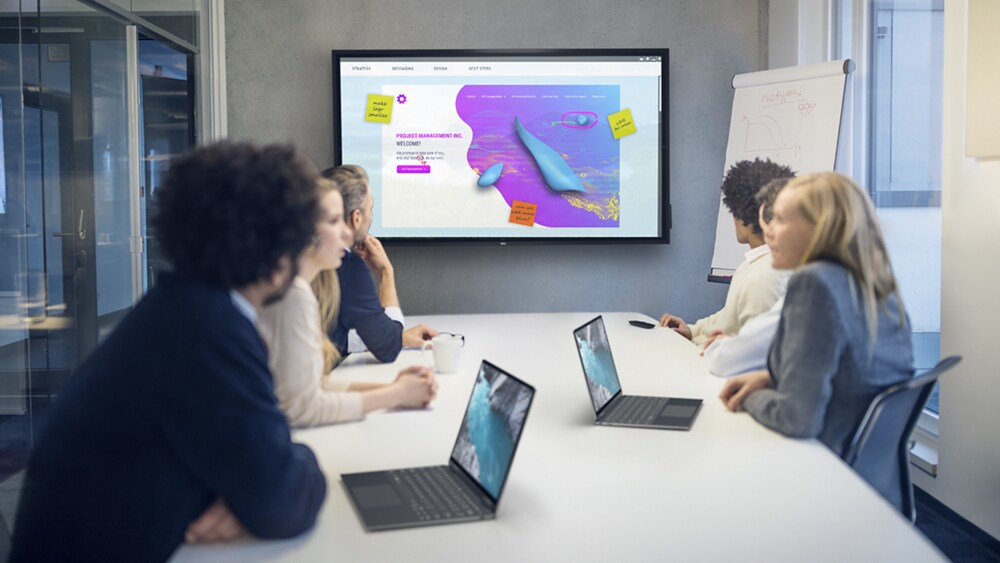
Brilliance from every angle
Clearly captivating: Experience exceptionally sharp 4K images and text with monitor scaling technology that optimises text and fonts for increased readability. ComfortView and anti-glare, anti-smudge coatings deliver greater legibility and a better extended viewing experience.
Striking presentations: No matter where you stand or sit, see consistent colours across the screen thanks to the wide viewing angle enabled by In-Plane Switching (IPS) technology.
Speak to your audience: Bring every video or audio element to life with the built-in 2x20W speakers.
Green thinking: for today and tomorrow
Eco-conscious packaging: Dell commercial monitors ship in select packaging components made with up to 90% recycled materials .
Energy conservation: Save energy when your monitor’s not in use with PowerNap , a feature that dims or puts your monitor to sleep when it’s not in use.
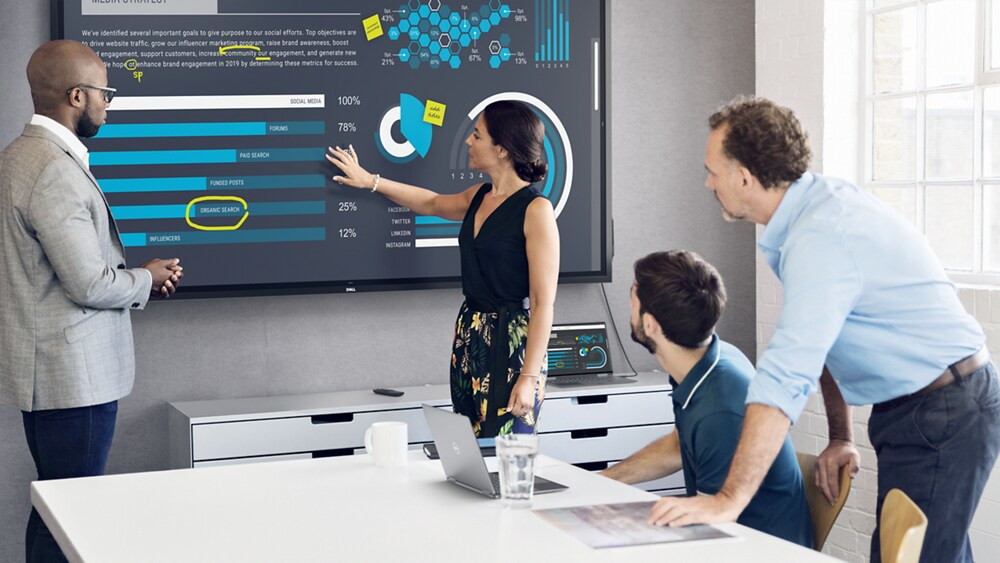
Built with your whole team in mind
Group work without the wait: Twenty-point InGlass™ Touch technology allows multiple workers to interact with the screen simultaneously, eliminating wait time for more natural collaboration. And, since the touch functionality is compatible with most industry standard software, it integrates seamlessly, however you work.
Write naturally: Palm rejection allows users to rest their hands naturally onscreen without unwanted marks.
Write in style: Mimicking a more natural writing tool, the dual-tip stylus has an ergonomic, easy-grip design, a fine writing tip and a precise eraser. It also magnetically attaches to the side of the display, so it’s never misplaced.
Collaboration at your fingertips: Experience intuitive touch technology, a feature that lets you annotate with your fingers and erase with the palm of your hand.
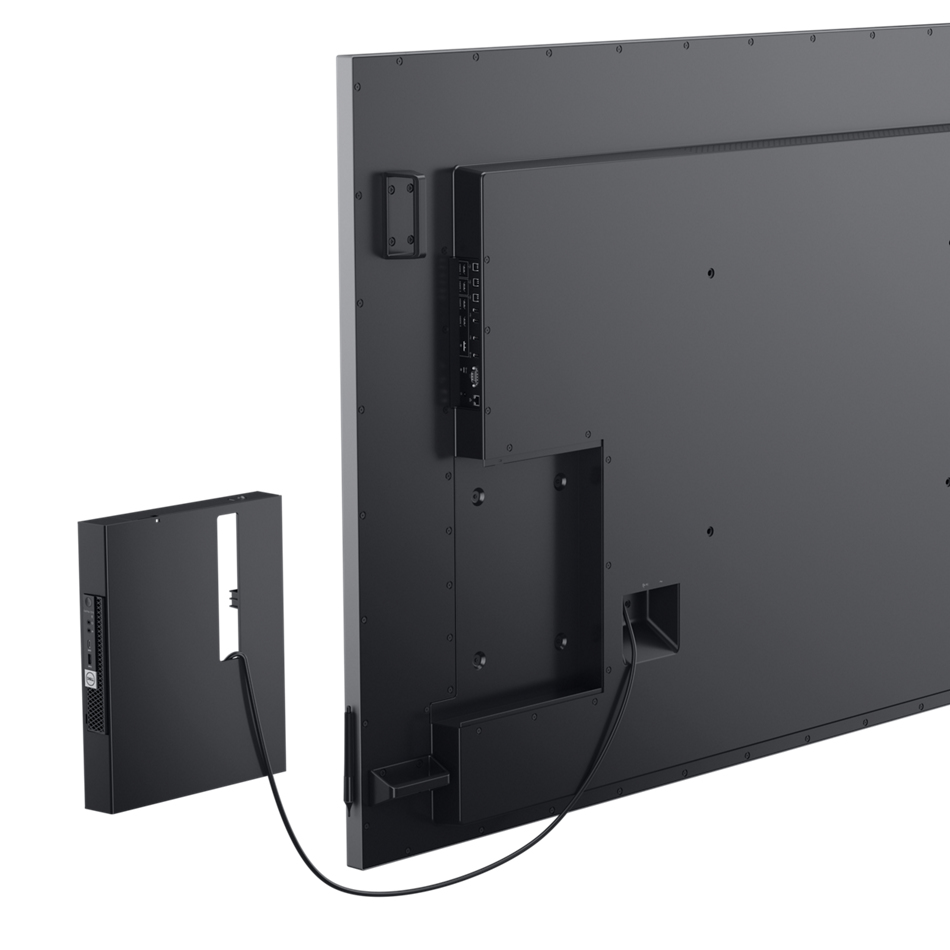
Simplified setup
A smooth deployment: With a few painless steps, and a couple of extra hands, it’s simple to install this Dell conference room solution to a solid wall. Our displays are VESA compatible, so you can pick the mounting solution that best fits your space, whether that’s a mobile cart, stand or wall mount.
All-in-one convenience: Seamlessly integrate an optional Dell OptiPlex Micro and allow IT to select the best option for varying business needs. Upgrade as you grow or easily upload your preferred corporate image with this agile display solution.
Lock it down: Reduce display changes in high traffic environments with lock mode, a feature that allows IT to control menu and power options.
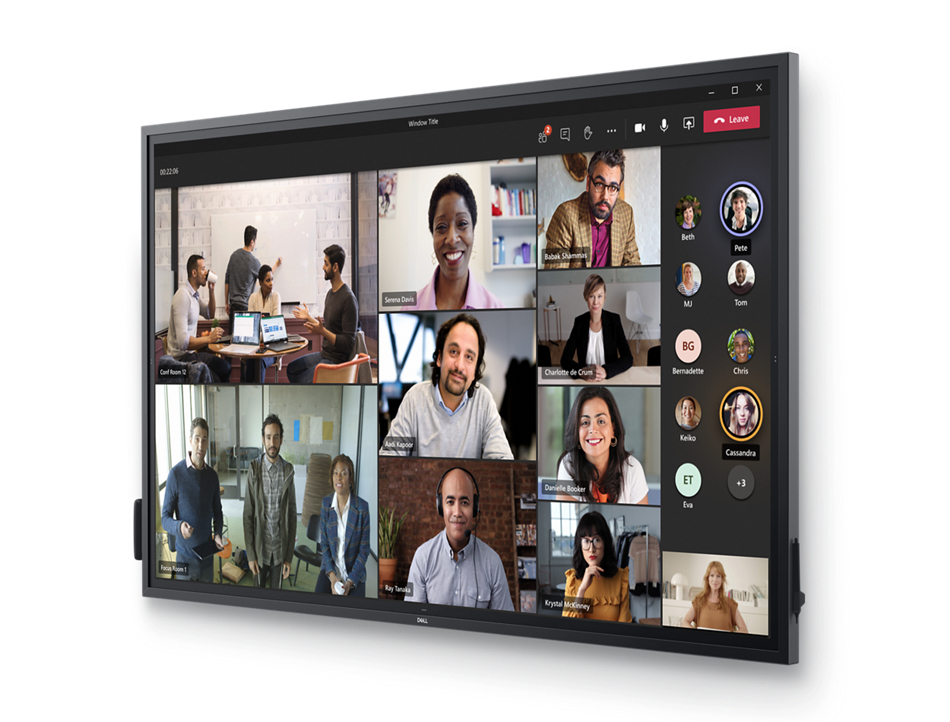
Convenient connectivity
Seamless integration with Dell Meeting Space Solutions: This interactive touch monitor has been tested and validated to work with complete conference room ecosystems that include high quality audio, video and room control, powered by OptiPlex Micro.
Secure deployment: Secure your OptiPlex Micro in a powered compartment at the back of the display, for security, convenient cable management, cable security and to avoid misplacement or unintended PC user engagement.
Connect to productivity: Make your monitor a productivity hub with extensive connectivity options including HDMI, DP and USB-C that delivers power, audio and video—all in one clutter-free setup.
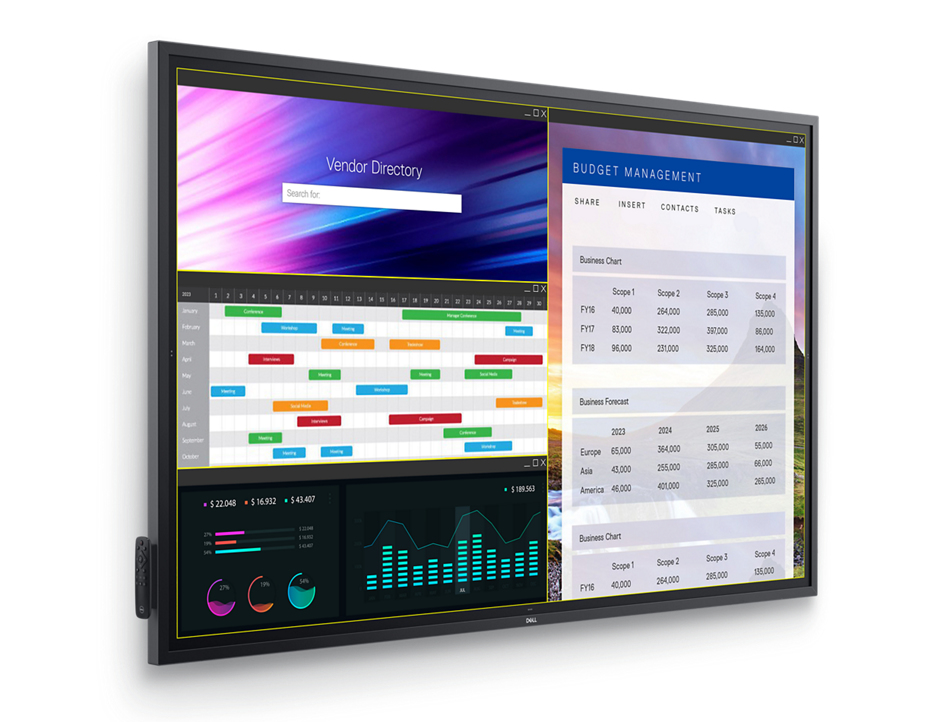
Dell Display Manager
Improved multitasking: Organise your screen with Easy Arrange and save profiles with Easy Arrange Memory.
Smooth deployment: Manage your fleet of monitors with features that are automatic, comprehensive and compatible with several tools .
Convenient customisation: Quickly access your favorite features and functions with the menu launcher and hot keys.