





Next Working Day
On qualifying orders
UK Dispatched
Fast & reliable nationwide
Expert Support
Mon–Fri, 8 am – 6 pm
Genuine Brands
Authorised reseller
Next-working-day delivery. Order before 17:30 (England & Wales) or 16:00 (Northern Ireland, Republic of Ireland, Scotland) to receive next-working-day delivery. Orders placed before 17:30 Friday are delivered Monday; after 17:30 Friday arrive Tuesday. Upgrades — pre-9, pre-10:30, pre-noon, special and secure bulk — available at extra cost.
Orders over £100 (ex VAT) receive FREE next-working-day delivery across the UK.
Instant digital delivery. Software licences, subscriptions, warranties & insurance, and electronic copies are delivered the same day via email — provided a valid email address is entered at checkout.
This product is out of stock
We can email you when it's back in stock, confirm expected lead times, or recommend in-stock alternatives that meet the same requirements.
PREDATOR XB273UGSBMIIPRZX 27IN QHD
Similar Products

Overview
Acer Predator XB273UGSbmiiprzx 27 inch WQHD Gaming Monitor (IPS Panel, G-SYNC Compatible, 165Hz, 1ms, HDR 400, Height Adjustable Stand, DP, HDMI, USB Hub, Black), 68.6 cm (27"), 2560 x 1440 pixels, Quad HD, LED, 1 ms, Black
Specifications
Display
- Touchscreen
- No
- Contrast ratio (typical)
- 1000:1
- Maximum refresh rate
- 165 Hz Hz
- Display number of colours
- 16.7 million colours
- Backlight type
- LED
- Contrast ratio (dynamic)
- 100000000:1
- Viewing angle, vertical
- 178° °
- Display technology
- LED
- Panel type
- IPS
- Response time
- 1 ms ms
- Display diagonal
- 68.6 cm (27") cm
- Display resolution
- 2560 x 1440 pixels pixels
- Native aspect ratio
- 16:9
- HD type
- Quad HD
- Response time (fast)
- 1 ms ms
- Screen shape
- Flat
- High Dynamic Range (HDR) supported
- Yes
- High Dynamic Range (HDR) technology
- DisplayHDR 400
- Colour gamut
- 95% %
- Display brightness (typical)
- 400 cd/m² cd/m²
- Viewing angle, horizontal
- 178° °
- Display diagonal (metric)
- 69 cm cm
- Colour gamut standard
- DCI-P3
Multimedia
- Built-in speaker(s)
- Yes
- Built-in camera
- No
- Number of speakers
- 2
- RMS rated power
- 4 W W
Design
- Product colour
- Black
- Frameless design
- Yes
- Market positioning
- Gaming
Ports & interfaces
- DVI port
- No
- DisplayPort version
- 1.2a
- Built-in USB hub
- Yes
- HDMI
- Yes
- Headphone out
- Yes
- Number of upstream ports
- 1
- USB Type-A downstream ports quantity
- 3
- Audio output
- Yes
- HDMI version
- 2.0
- DisplayPorts quantity
- 1
Ergonomics
- VESA mounting
- Yes
- Height adjustment
- Yes
- Swivelling
- Yes
- Swivel angle range
- -20 - 20° °
- Tilt angle range
- -5 - 20° °
- Pivot
- Yes
- Pivot angle
- 0 - 90° °
- Tilt adjustment
- Yes
- Panel mounting interface
- 100 x 100 mm mm
- Adjustable height (max)
- 11.5 cm cm
Power
- Energy consumption (HDR) per 1000 hours
- 33 kWh kWh
- Power consumption (typical)
- 32 W W
- Power consumption (standby)
- 0.5 W W
- Power consumption (off)
- 0.3 W W
- Energy efficiency class (SDR)
- G
- Energy efficiency class (HDR)
- G
- Energy consumption (SDR) per 1000 hours
- 32 kWh kWh
- Energy efficiency scale
- A to G
Weight & dimensions
- Width (with stand)
- 611.6 mm mm
- Depth (without stand)
- 74.7 mm mm
- Height (without stand)
- 366.1 mm mm
- Weight (without stand)
- 3.83 kg kg
- Depth (with stand)
- 236.3 mm mm
- Height (with stand)
- 530.3 mm mm
- Weight (with stand)
- 5.85 kg kg
- Width (without stand)
- 611.6 mm mm
Packaging data
- Package width
- 680 mm mm
- Package type
- Box
- Package weight
- 8.6 kg kg
- Package depth
- 506 mm mm
- Package height
- 228 mm mm
Performance
- NVIDIA G-SYNC
- Yes
- NVIDIA G-SYNC type
- G-SYNC
- VESA Adaptive Sync support
- Yes
Other features
- Compliance industry standards
- MPR II
Logistics data
- Harmonized System (HS) code
- 85285210
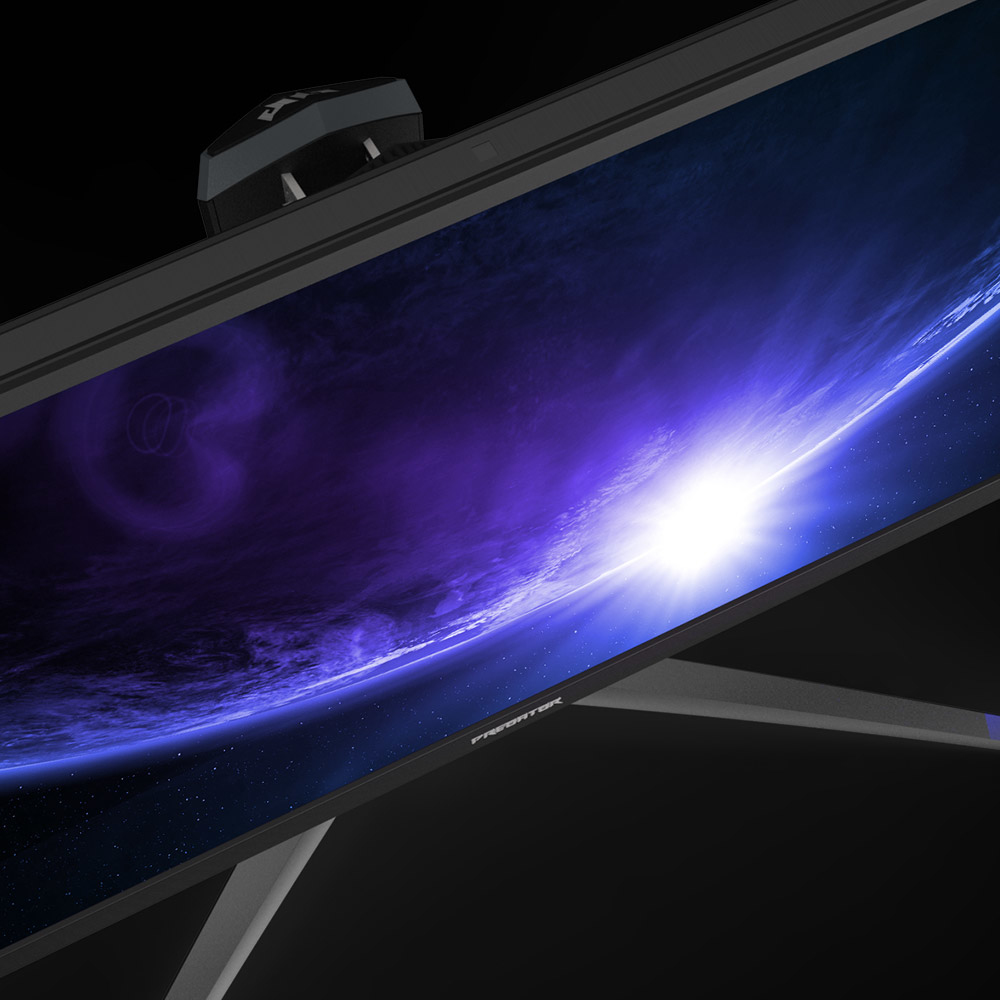
<b>Quad HD Display</b>
With more than 75% more pixels than a standard Full HD display, Quad HD provides exceptional detail and clarity for a more immersive gaming experience.
Plus the IPS panel ensures superior colour reproduction and wider viewing angles.
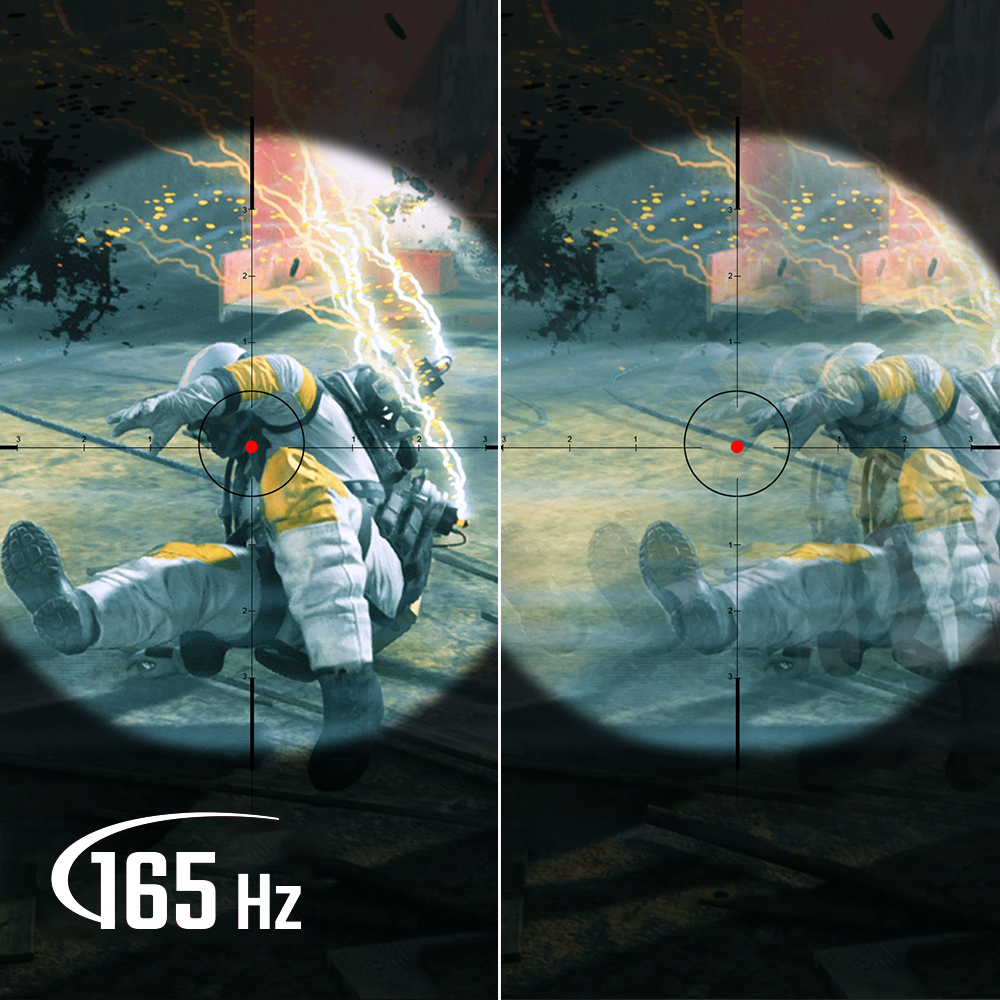
<b>Smooth Motion</b>
The 1ms response time keeps annoying visual imperfections such as ghosting and blurring to a minimum, whilst the 165Hz refresh rate keeps everything looking smooth, without distracting issues such as juddering, freezing or jumping.
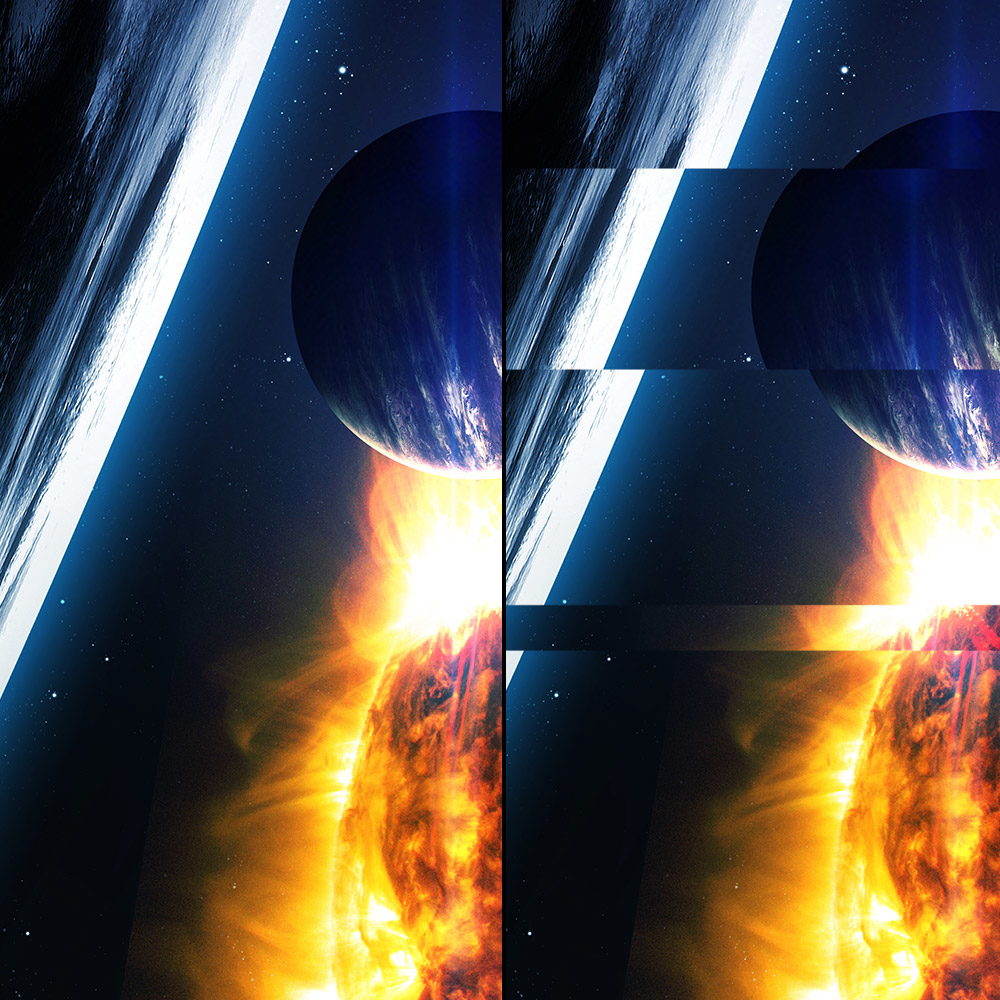
<b>Nvidia G-SYNC Compatible</b>
G-SYNC works by allowing the graphics card to control the refresh rate of the monitor and match it to the framerate that it is outputting, meaning the two pieces of hardware work in perfect harmony.
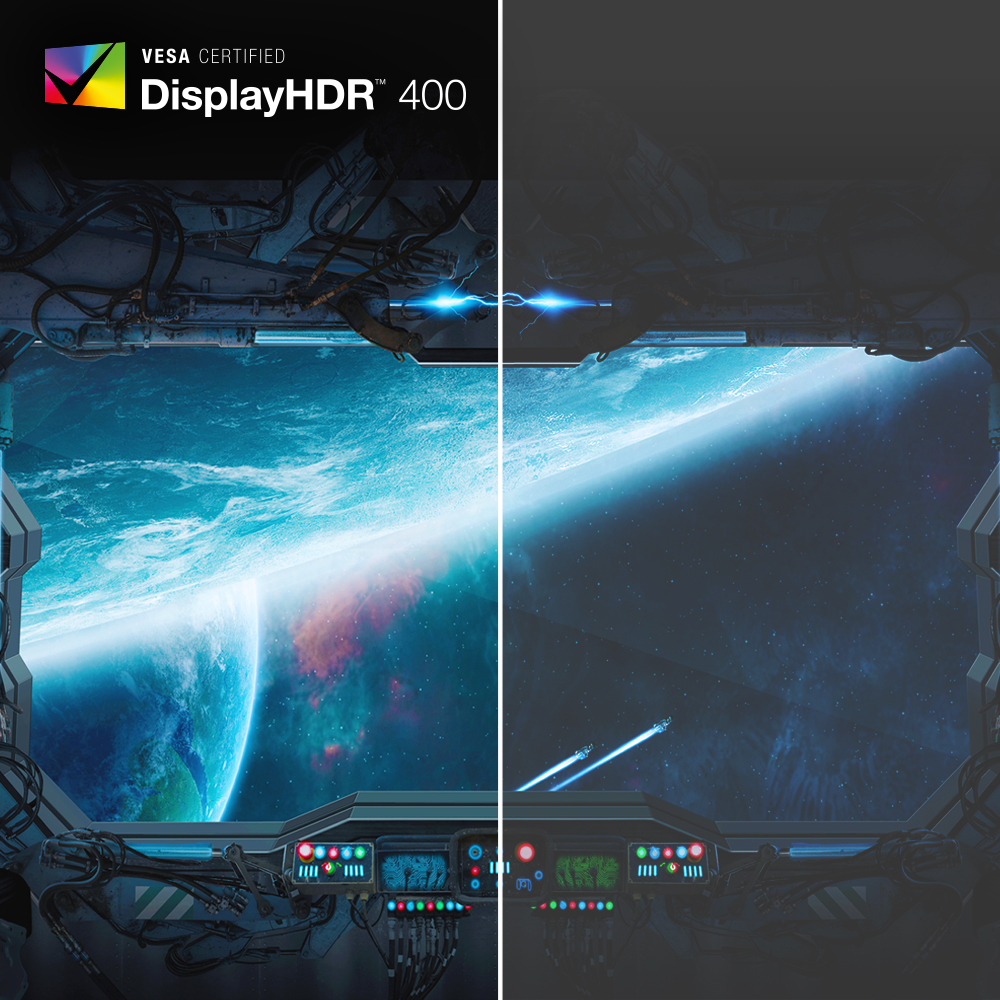
<b>Vivid HDR</b>
Dynamic range is the difference between the brightest and darkest points in an image, while HDR (High Dynamic Range) support means a monitor supports a wider range contrast and greater brightness, as well as a wide colour gamut. This all combines to ensure that the colours the monitor displays provide a more true-to-life visual experience, retaining greater amounts of detail in areas of highlights or shadows.
VESA DisplayHDR 400 is an independent certification, that guarantees that a monitor can perform to a particular level when displaying HDR content.
HDR 10 is a standard utilised for HDR content to ensure compatibility and interoperability.
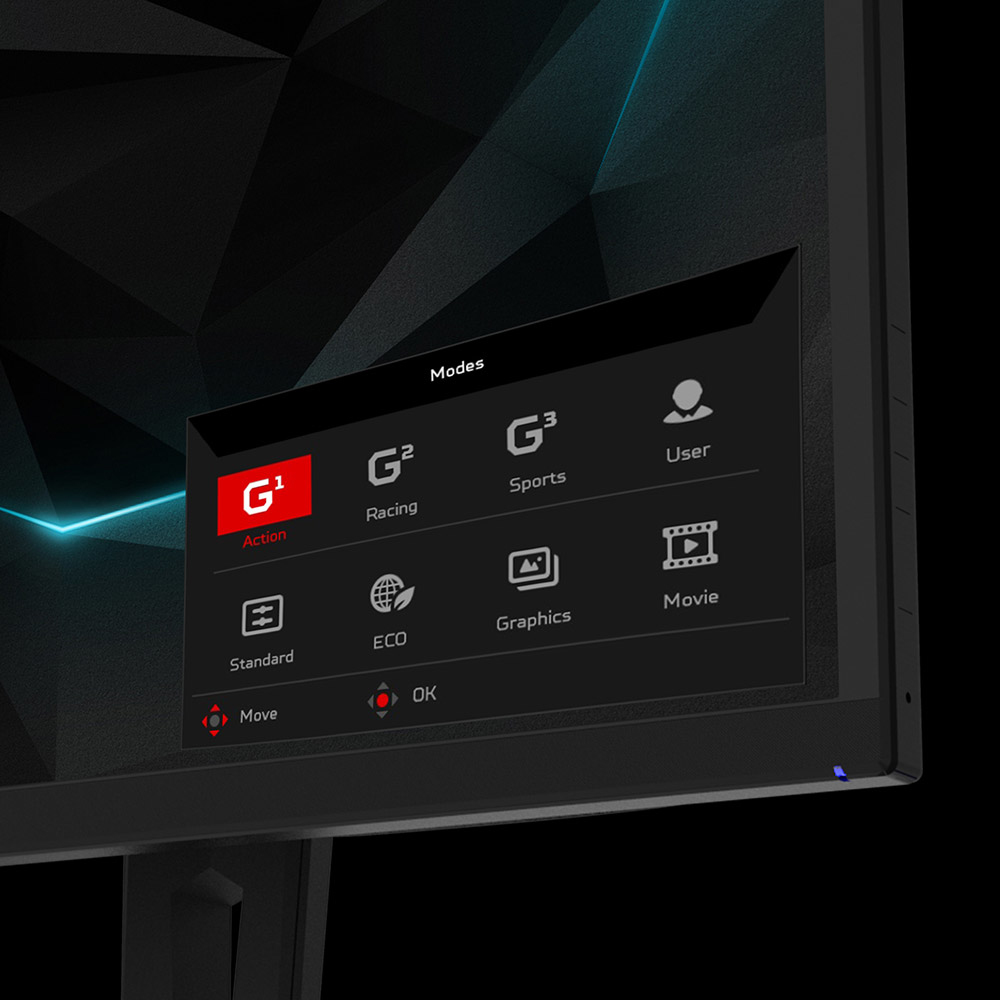
<b>Predator GameView</b>
GameView lets you control a number of functions of your Predator monitor, including making precise colour adjustments, enabling DarkBoost for enhanced details in darker scenes and switching between pre-set modes designed to suit different styles of game.
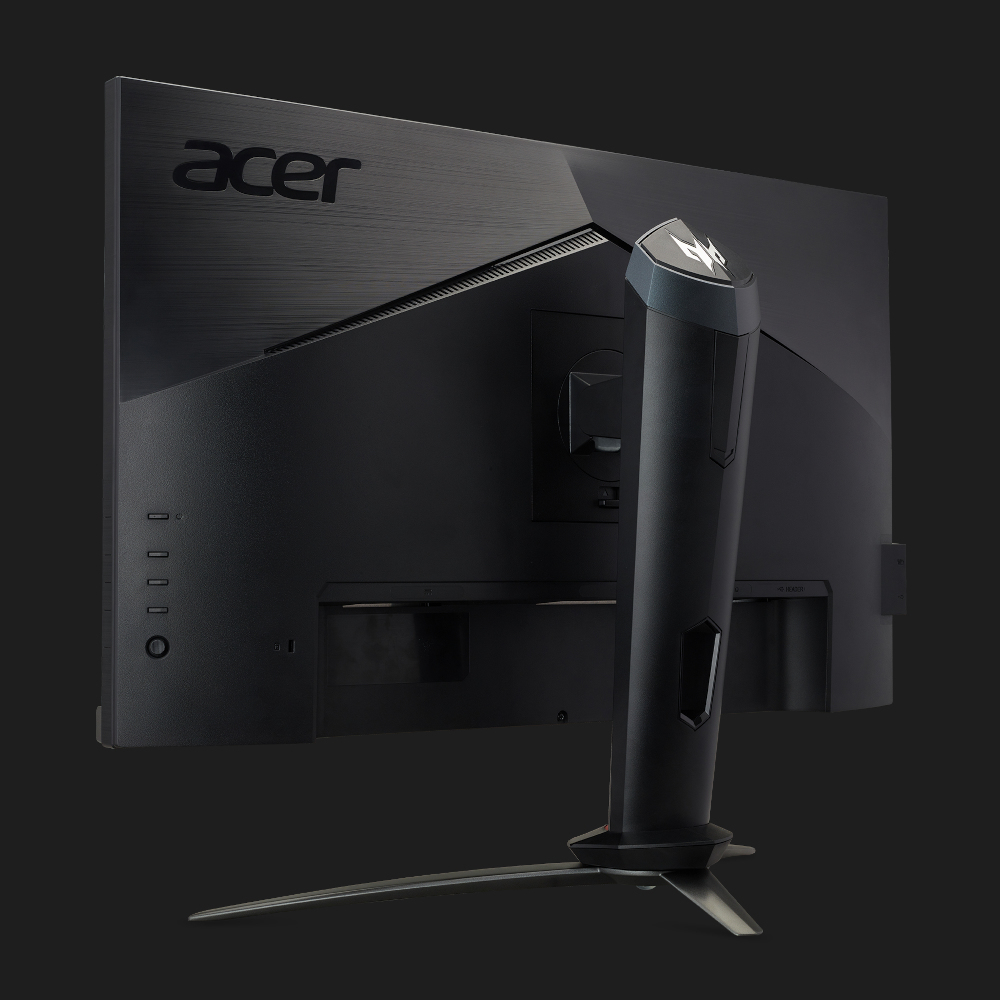
<b>Ergonomic Stand</b>
The stand offers 25° of tilt, 40° of swivel, 90° of pivot and 115mm of height adjustment.
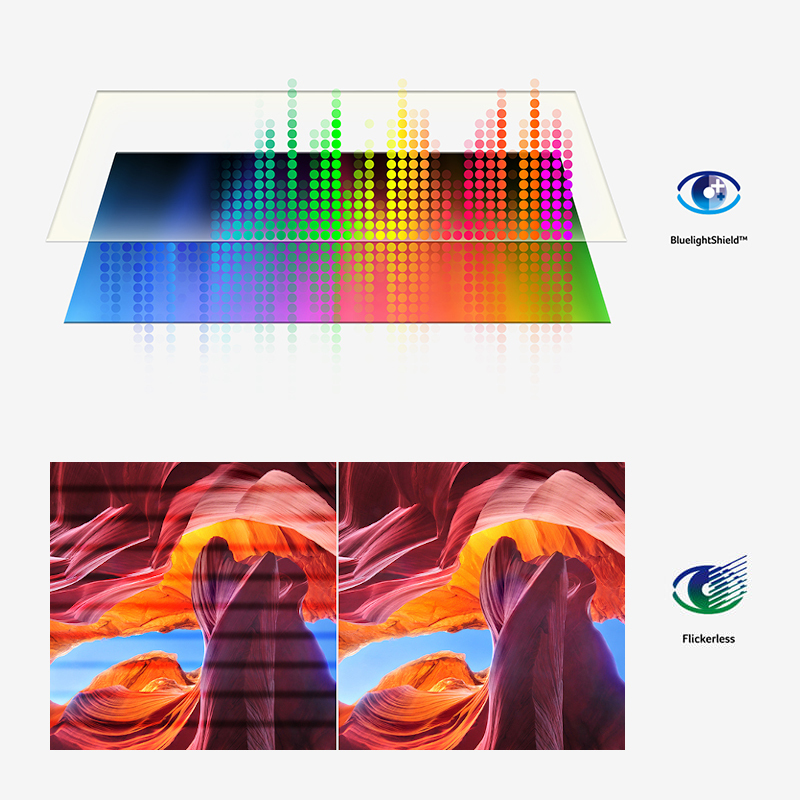
<b>Acer VisionCare</b>
Flickerless
While the refresh rate of a monitor may not be perceptible to the human eye, this flickering can still cause strain when using a monitor, particularly during heavy use such as working environments. Acer Flickerless technology utilises improved power supply stability to reduce this.
BlueLightShield Pro
Acer's BlueLightShield technology reduces the ratio of harmful blue light emitted by a monitor, by adjusting colour hue and brightness. BlueLightShield Pro is able to further reduce this without sacrificing colour accuracy or brightness.
Low dimming
Through low dimming, Acer monitors can lower their brightness in darker environments to reduce eye fatigue.
ComfyView
ComfyView helps reduce reflections and glare for a more comfortable viewing experience in a variety of working environments.