Most quotes for augmented reality are hard to compare because they bundle three different things together. It is worth separating them, because two of the three cost nothing.
What is free
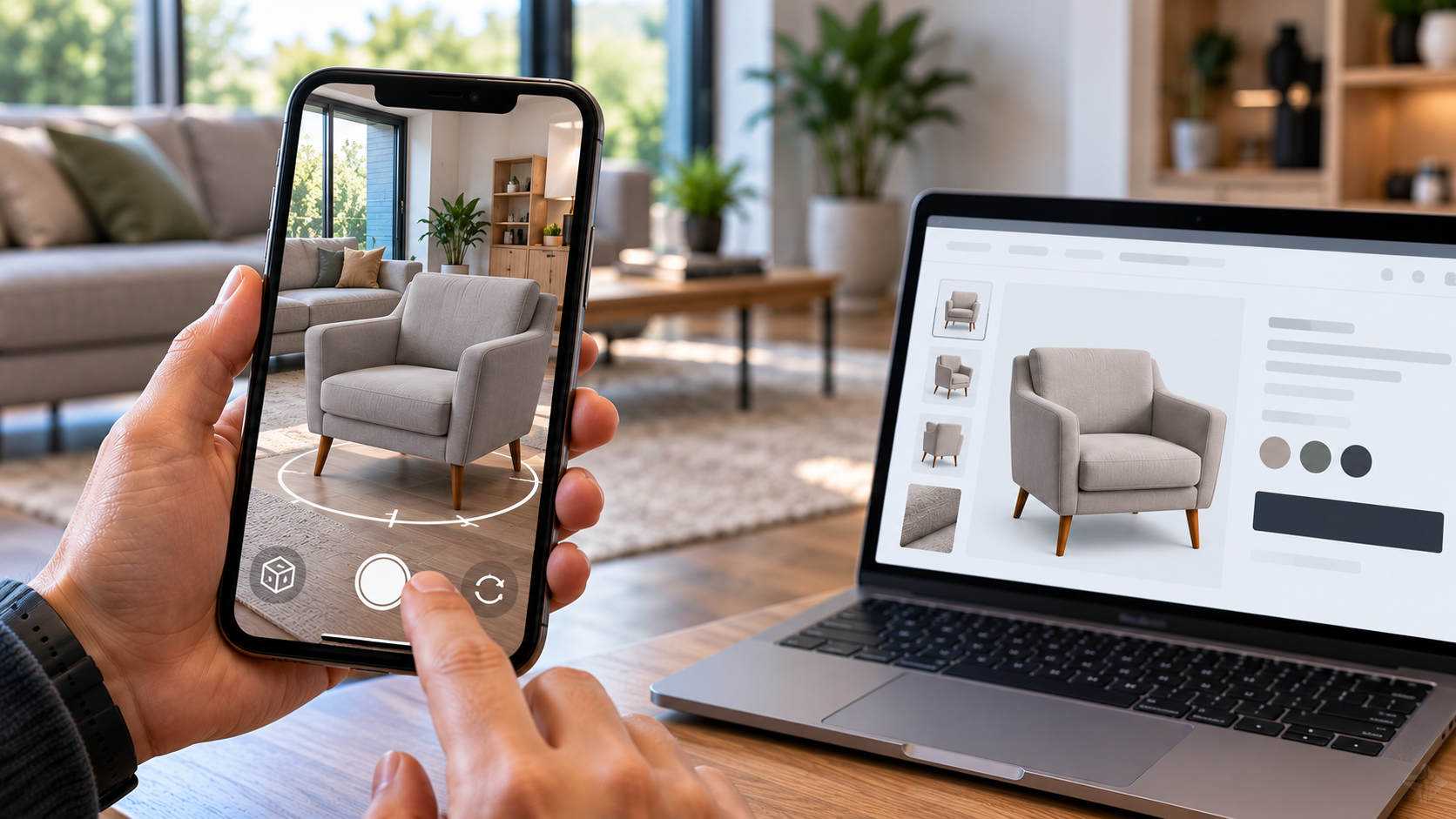
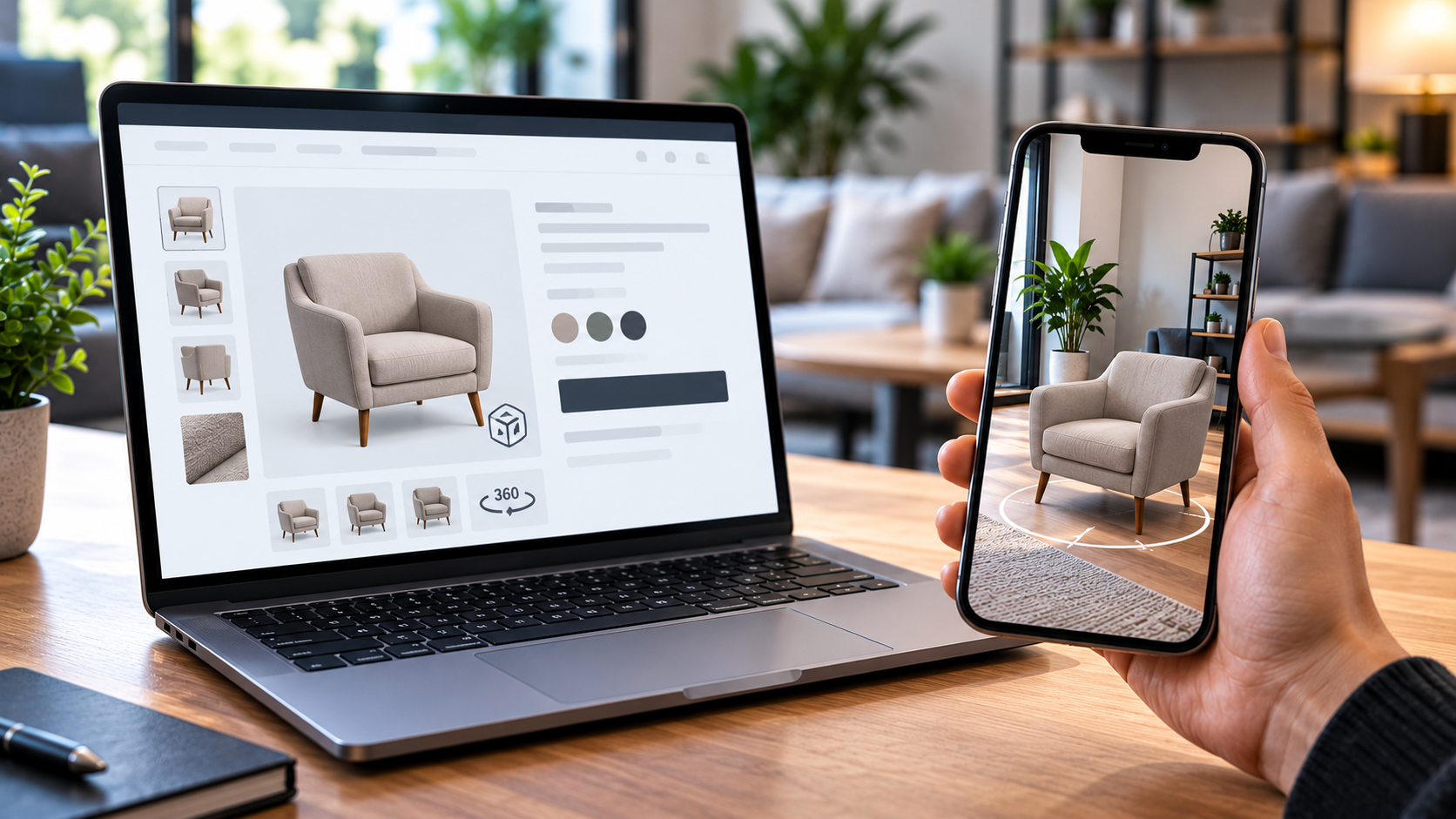
The software that renders the model in the browser is free and open source. The augmented reality itself is a feature of the mobile operating system — Safari's AR Quick Look on iPhone, Scene Viewer or WebXR through Chrome on Android. There is no licence fee, no subscription to an AR platform and no charge per view. However many customers use it, and however often, the cost does not move.
That is a genuine change from a few years ago, when AR meant either an app or a per-seat platform, and it is the reason this is now worth considering for ordinary businesses rather than only for brands with marketing budgets.
What costs money
Two things: producing a 3D model of each product, and integrating the viewer into your website once.
The integration is the smaller and more predictable of the two. The viewer is built once and reused for every product after that, so the first product carries most of the development and the tenth carries almost none. In practice the website work is typically a few days for the first product and considerably less for each one after it.
The models are where the real variation lives, and it is genuinely large — because it depends on what you already hold.
The three routes to a model
| Route | When it applies | What we need from you |
|---|---|---|
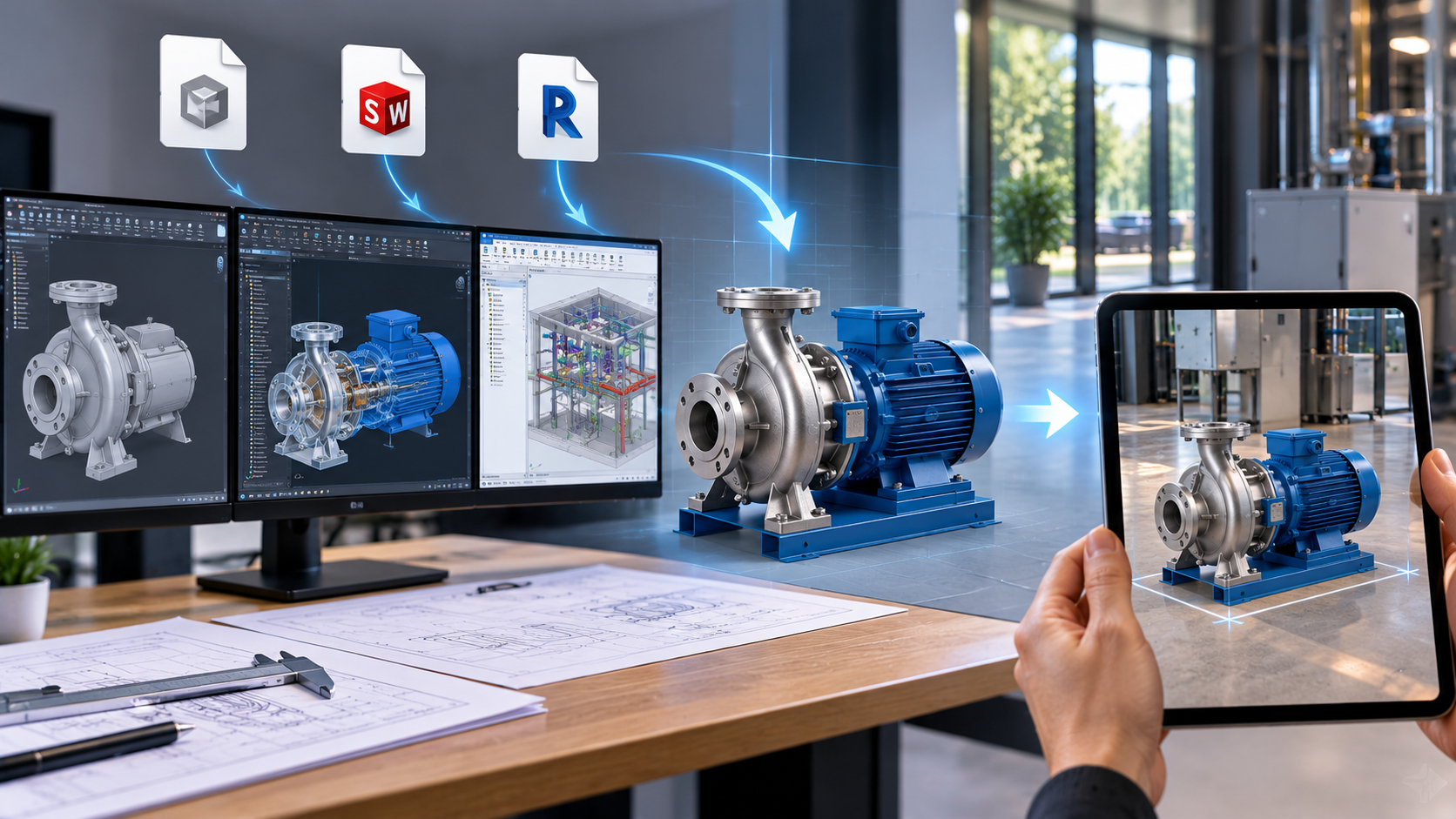
| From your CAD | The product is engineered, drawn or manufactured to a spec. Cheapest route by a wide margin. | Your existing design files — STEP, IGES, SolidWorks, Revit or IFC |
| Built from measurements | Cylindrical, symmetrical or simply assembled products, where no CAD exists | Dimensions, and clear photographs from two or three angles |
| Photogrammetry scan | Organic or highly detailed items where the real surface matters | Twenty minutes with the product, and good light |
If you manufacture what you sell, the expensive part is very likely already sitting on your server — see from CAD to web 3D. The middle route is more common than people expect: a great many products can be built dimensionally exactly from measurements and photographs alone, and dimensional accuracy is what AR actually requires. The scanning route needs a proper shoot — dozens of overlapping photographs in a full circle — but your own staff can carry it out with a recent phone once they have been shown how, which keeps that cost down too.
Why the first product costs more than the tenth
Three things drive the per-product price down as you add more:
- the viewer is built once and reused;
- a product range built from shared components shares model work;
- every finish and configuration lives inside one file as a switchable variant, so a colour is not another model.
This is also why it is sensible to start with a handful of products rather than a catalogue. Pick the ones where the "will it fit" question is costing you sales or causing returns, prove it works, then extend.
What sets the timeline
Almost always the 3D models, not the development. The website integration is a few days for the first product; the schedule is governed by how quickly models can be produced, which in turn depends on which of the three routes applies. If your CAD is in order, this moves quickly.
Getting an actual figure
A per-product price needs only a few facts: which route your products fall into, how many you want to start with, how many finishes or configurations each has, and whether the range shares components. With those, the number is straightforward rather than a guess — and we would rather quote per product on that basis than publish a headline price that turns out not to apply to you.
The Apaxon augmented reality page has working demonstrations, including a vehicle inspector and a conservatory configurator you can try from a phone. For a figure on your own products, tell us what you sell.
Get the latest IT insights
Expert tips, infrastructure news, and product updates — delivered weekly.